☰ Menu

Y7 - SU2.2 - Interesting Hyperlinks

⏱️ Do It Now

Create a OneNote Page and copy this into the title:

Lesson 2 - Summer Term 2 - Interesting Hyperlinks


Copy this into a OneNote Page and complete it

📝 Do It Now

Answer each of the following:

(1) What does src in an image tag mean? How does it work?


(2) What does the px in 400px mean?
Explain how this differs from using %?


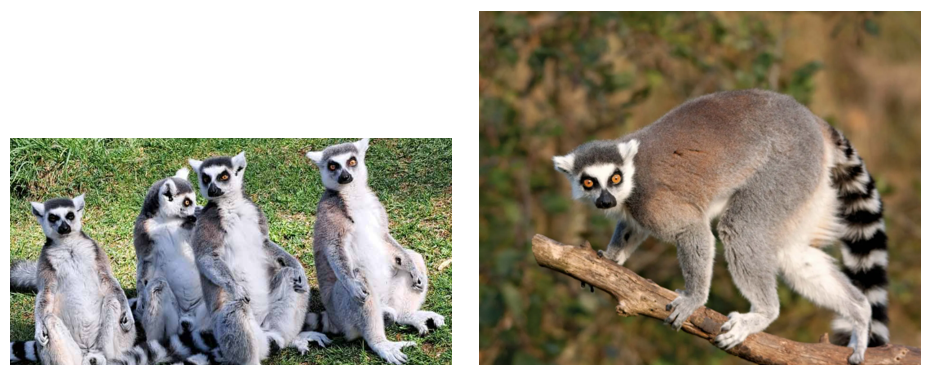
(3) Both of these images have been given a width of 300px What should have been done instead? - Explain why


(4) Open THIS LINK to access the VSCODE project for today's lesson

🎯 Learning Objectives


  • LO1: We are learning how to create hyperlinks to both internal pages and external resources (including the blank target attribute)
  • LO2: We are learning how to turn images into hyperlinks
  • LO3: We are learning how to turn other elements into hyperlinks

🔎 Internal Hyperlinks

Your teacher will show you how links can be made to pages on your own site (internal links)


Alternatively...

🎥 Watch THIS VIDEO to see the same demonstration

🔎 External Hyperlinks

Your teacher will show you how links can be made to pages on other websites (external links)


Alternatively...

🎥 Watch THIS VIDEO to see the same demonstration

🔎 Images as Links

Your teacher will show you how images can be made into hyperlinks


Alternatively...

🎥 Watch THIS VIDEO to see the same demonstration

📝 Consolidation Task

(1) Paste a screenshot of the code for an internal link into OneNote.
Explain how it works

(2) Paste a screenshot of the code for an external link into OneNote.
Explain how it works

(3) Paste a screenshot of the code for an image turned into a link into OneNote.
Explain how it works


Add further links onto your own website (if relevant to do so)

Continue working on the content of your site